
Disclosure – this is a collaborative post.
Wedding photos rarely end up in one place. Professional shots arrive later, but candid moments, from the dance floor to a grandparent’s toast, stay scattered across group chats and camera rolls. Wedding photo-sharing apps gather guest photos into one gallery, usually through a QR code. This list compares five options, and the right choice depends on guest convenience, gallery features, privacy, and pricing.
1. GUESTPIX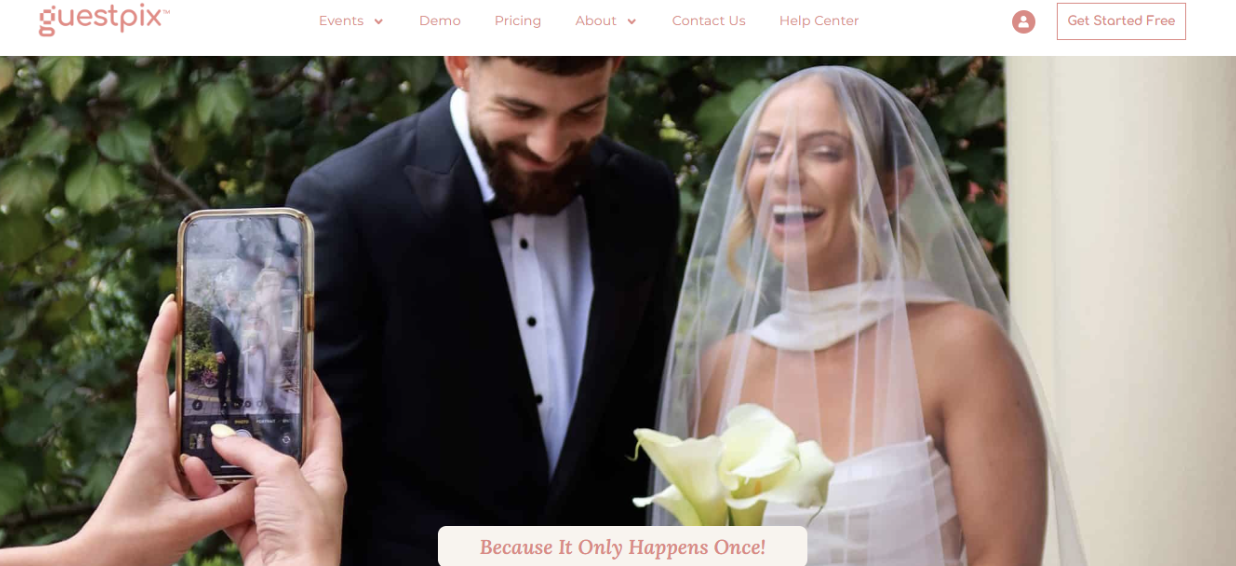
GUESTPIX is a private QR code gallery for collecting photos and videos from everyone at an event. Couples place a QR code or private link on invitations, table cards, or signage, and guests upload from a phone browser with no app and no registration.
- Uploads land in one gallery labeled by guest name, with Super Albums for moments like the ceremony and reception
- With GUESTPIX wedding photo sharing, every paid package includes a live slideshow, written and video guestbook messages, and host moderation
- Hosts can download a full-resolution zip within 12 months of the event, and only people with the code or link get in
- A free trial allows unlimited guests and 50 photos for 30 days, while paid packages are one-time payments with no auto-renewal
- Classic has a three-month upload window, while Signature adds custom colors, fonts, and a 12-month window
Ideal for: couples who want guests to upload without signing up, with a guestbook and slideshow built in.
2. DarlingSnaps
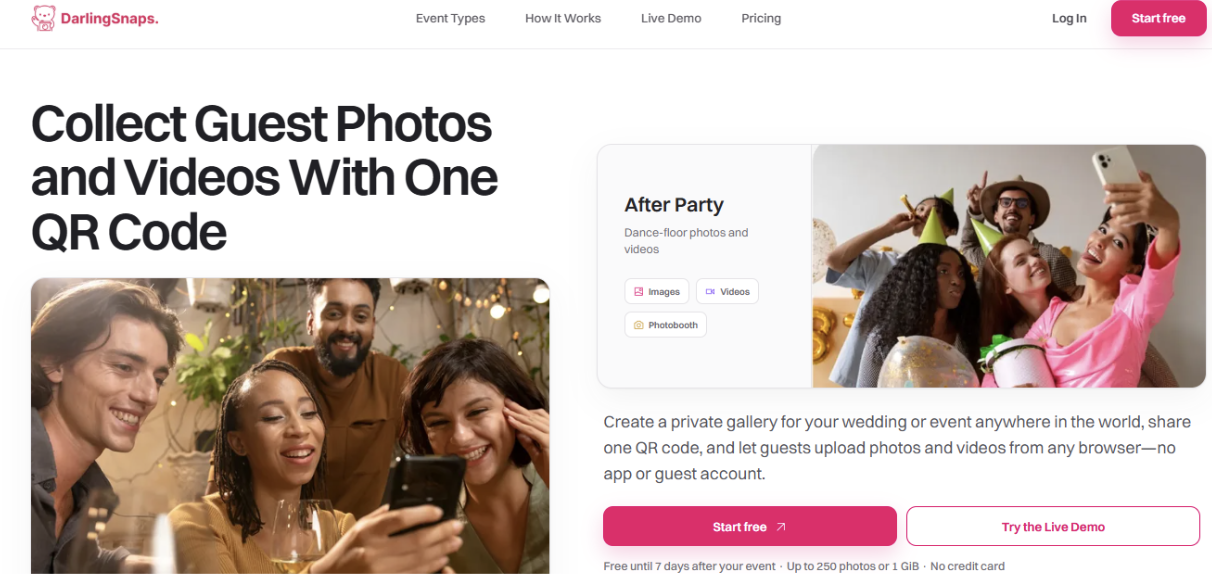
DarlingSnaps lets guests open an unlisted event link or scan a QR code from a phone, tablet, or computer, with no app or guest account.
- The free Keepsake plan is photo-only, with up to 250 images or 1 GiB, and stays open until seven days after the event
- One-time paid packages run from A$69 for 90 days to A$169 for 365 days, adding video, a private guestbook, custom albums, a browser photobooth, and an optional password
- Hosts control guest downloads and must export everything before the event expires
Ideal for: couples who want a photobooth and private guestbook, and are comfortable with a time-limited gallery.
3. Our Event Album
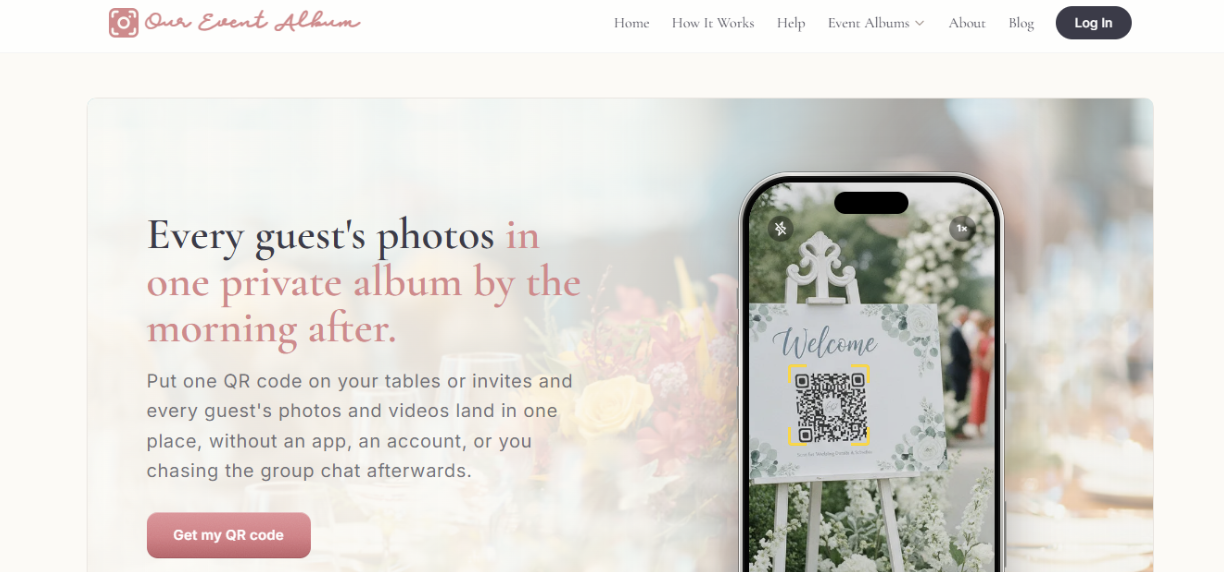
Our Event Album collects every guest’s photos and videos in one private album, reached by QR code or link in a phone browser with no app or account.
- A live slideshow can run on a TV or projector, and hosts can hide or remove uploads from a dashboard
- Hosts can download full-resolution originals at any time
- The listed price is a single US$39 payment with six months of hosting, and the site does not say what happens afterward
Ideal for: couples who want a flat one-time price and plan to download everything within six months.
4. Toast Album
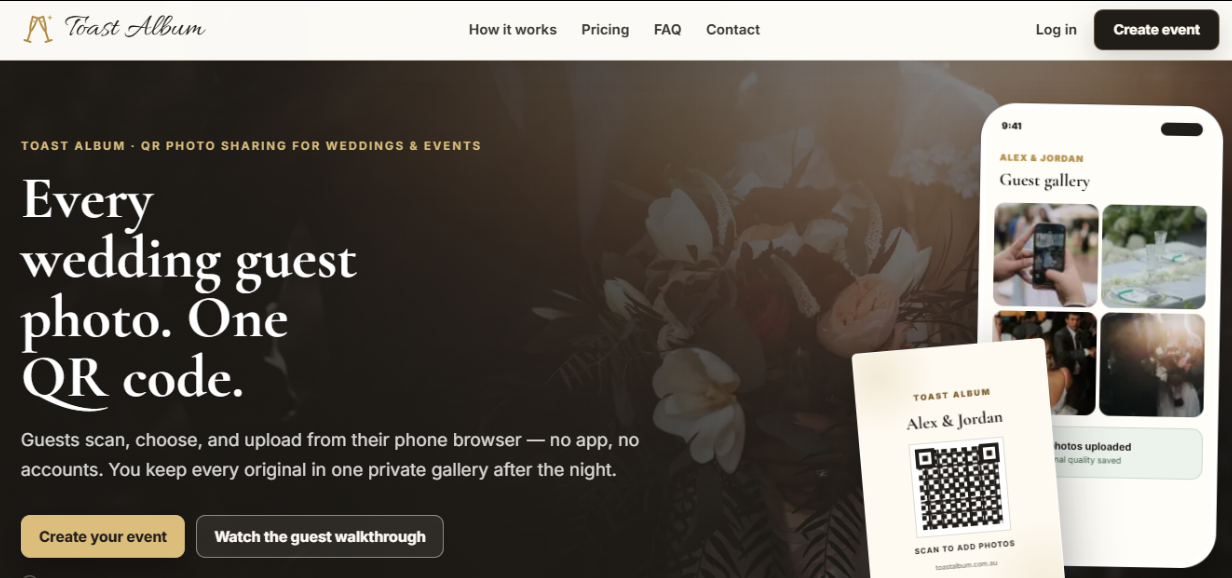
Toast Album describes itself as Australian-owned guest photo sharing for weddings. Each event gets one private link and QR code, and guests upload from a browser with no app or accounts.
- Hosts can add an optional passcode, and downloads are untouched originals, individually or as one ZIP
- The free plan covers 50 photos for 60 days, while paid plans list A$49 for 500 photos and A$79 for 2,000, each with a one-year gallery
- The page mentions only photos, so confirm video support first
Ideal for: couples who want original-quality downloads and a passcode, and can estimate their guests’ upload volume.
5. Pixolo
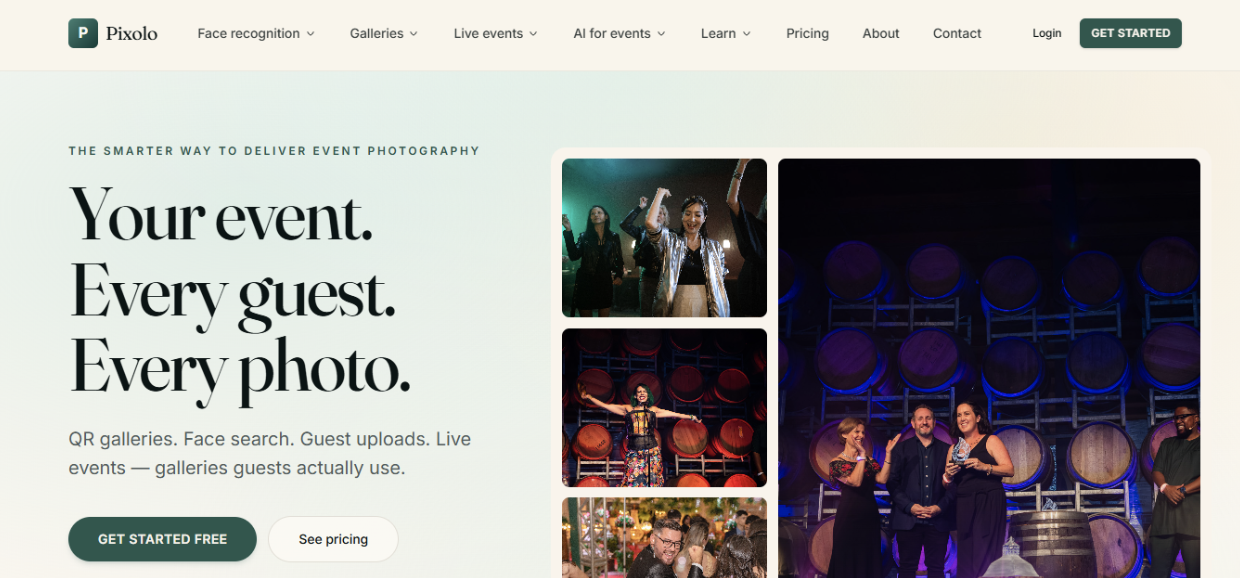
Pixolo is broader than a wedding-only tool. It is an event photography platform built for photographers, with guest galleries for weddings, schools, corporate events, and festivals.
- Guests scan a QR code to upload, browse, or find their own photos through AI face search with a selfie
- Smart albums organize images by moment, and photographers can sell prints and downloads
- The site does not list pricing tiers or guest download terms
Ideal for: couples whose photographer already uses Pixolo, more than couples collecting guest shots on their own.
What to Compare Before Choosing
QR codes are common at weddings: 59% of couples used them in 2026, up from 7% in 2021, per The Knot, reported by The New York Times. Weigh these points:
- Guest access: no app, no account, and a link that works on any phone
- Gallery and downloads: albums, slideshows, and full-resolution originals
- Privacy: unlisted links, optional passwords, and host moderation
- Pricing: one-time or recurring, and how long the gallery lasts
Conclusion
The right wedding photo-sharing app is the one your guests will actually use, so look for uploads that need no app or sign-up, full-resolution downloads, and clear privacy controls. Then match the gallery length and price to your guest list and how long you want to keep the photos.
FAQs
1. Do guests need to download an app to upload photos?
No, most of these options work through a QR code or link in a phone browser, with no app or account.
2. How do guests find the gallery?
Couples place a QR code or private link on invitations, table cards, or signage, and guests scan or tap to upload.
3. Can guests upload videos as well as photos?
Some options can, but certain free plans are photo-only, so check before you choose.
4. Can I download all the photos in full resolution?
Several options let hosts download full-resolution originals, but each has its own download window, so export everything before it closes.
5. How long does the gallery stay available?
It ranges from about a week after the event on a free plan to 12 months on some paid plans, so match the gallery length to how long you want to keep the photos.
Disclosure – this is a collaborative post.

